
Export/Import
Moving to another phone?
Moving to another phone? Or just want to make a backup of your data, in case something happens? Use this function to save your Huginn database to safe place on your computer or another device. This is your motion data, all the places you visited, everything you ever told Huginn, keep it private and never share it with anyone.
Data on Huginn is private by default and not shared, even with iCloud or your other phones.
Moving from one phone to another is simple, though:
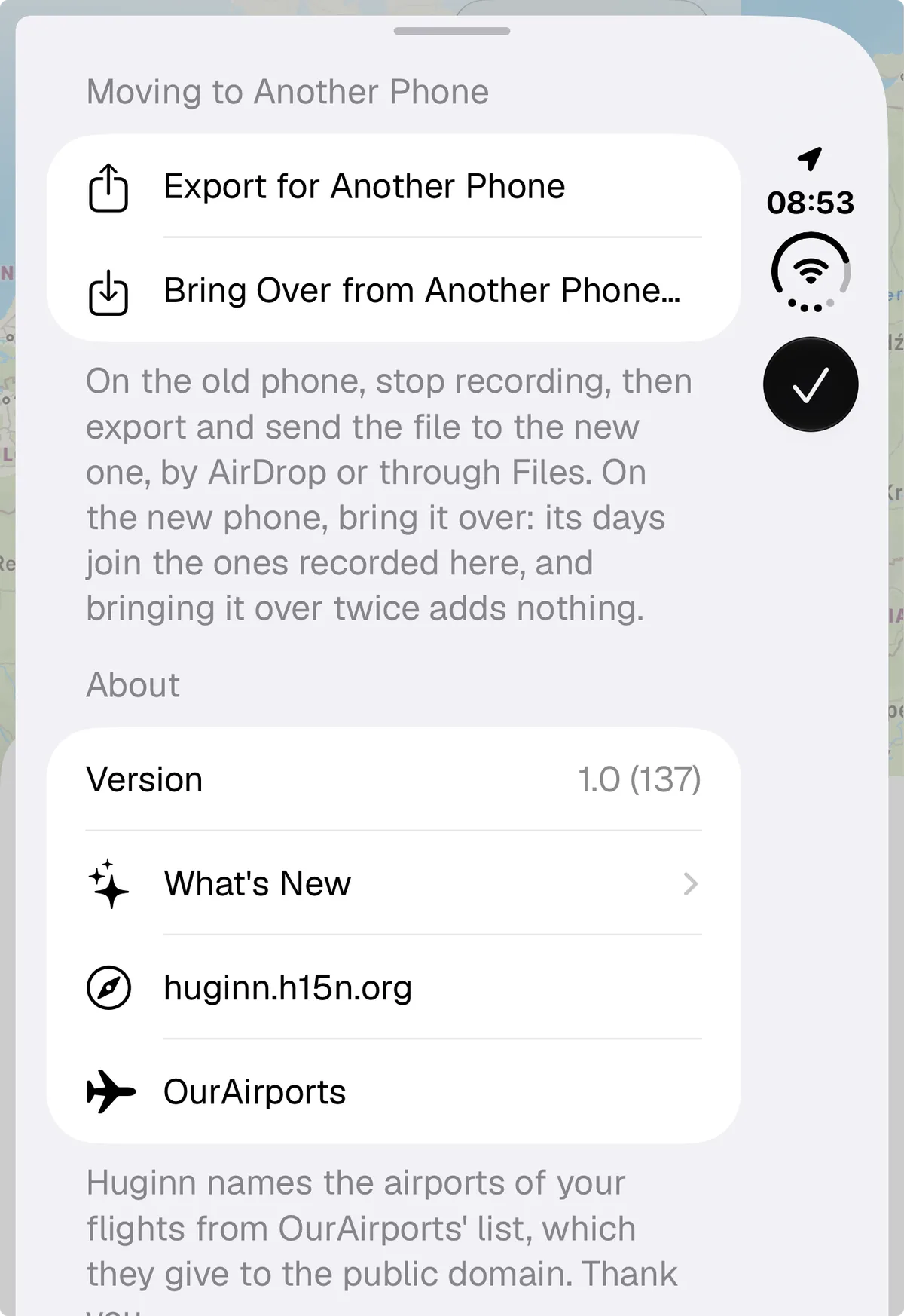
- Turn off “Recording” on your old phone. You could leave it on, if you have two phones you use, for example, or if you use Handoff, but if you just move from one phone to another, turn it off first.
- Click on the “Recording” pill top right, scroll all the way down, and select “Export for Another Phone”
- Airdrop the result to the new phone
- On the new phone do the same, click Bring Over…
- Import the airdropped file
- Done
- You’ll have to re-add your Träwelling token