
Checking In
Check-ins are optional but fun. They’re significant places you want to remember specifically.
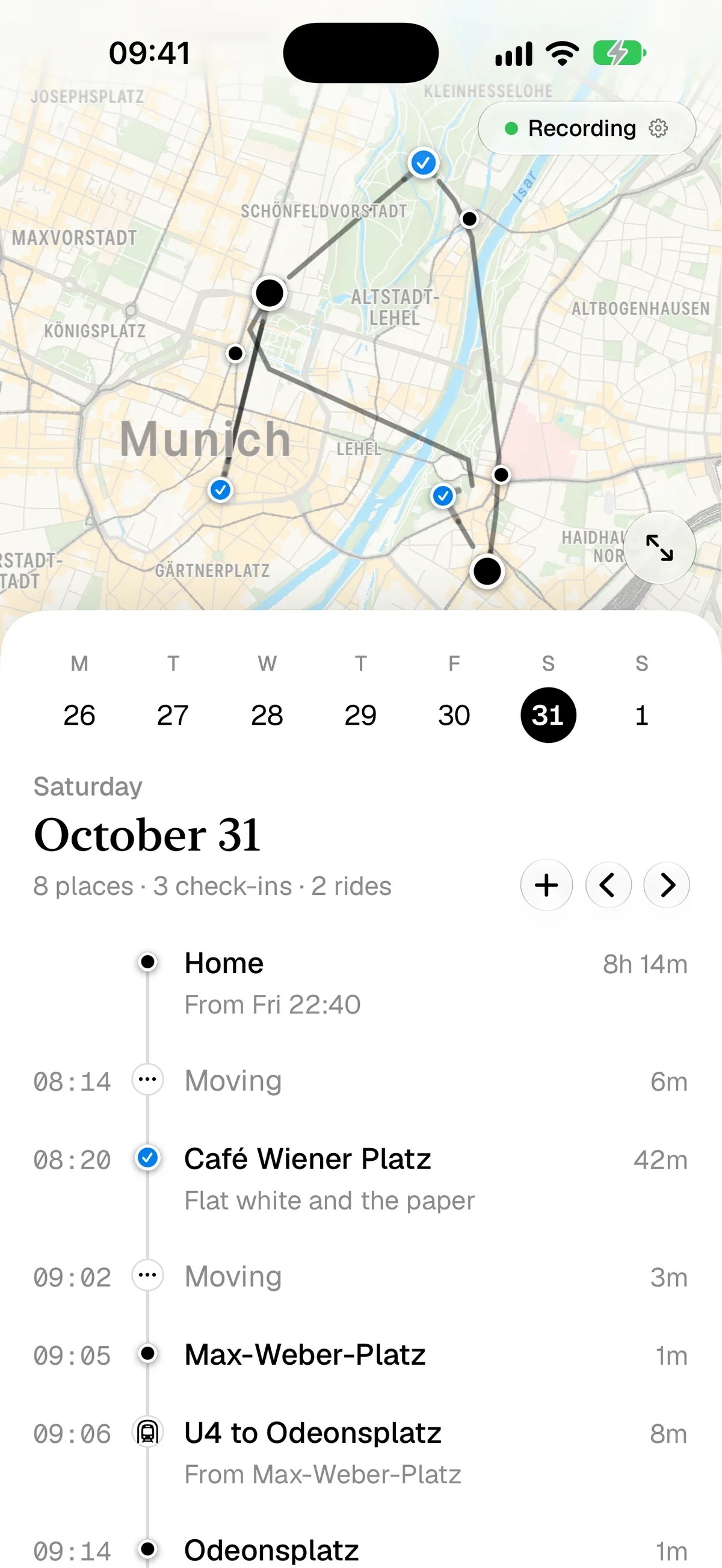
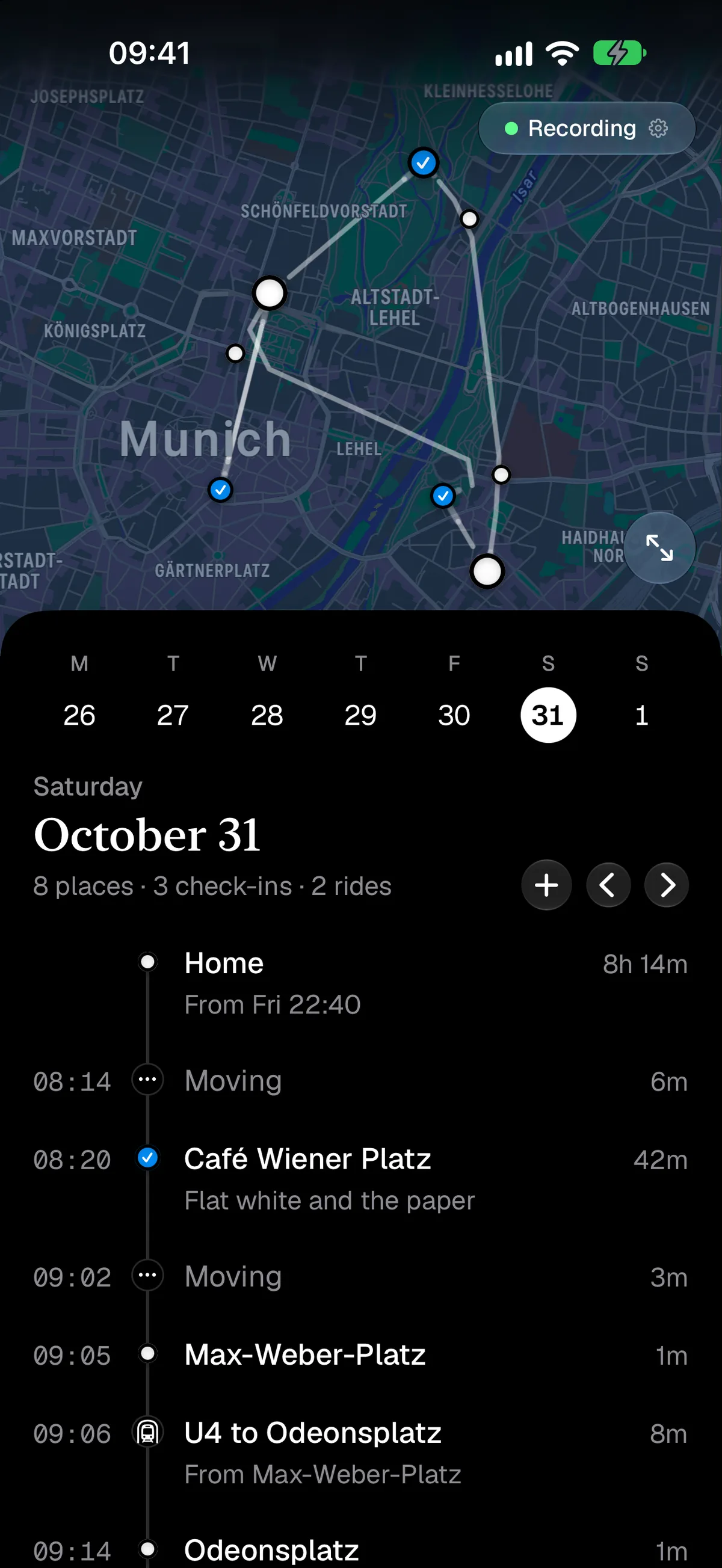
How
If you push the little + above (or beside on Duo) your timeline, you can check in. Either “where you are now” or into the last recorded stop. Huginn will offer you a few suggestions, use them or correct them as needed.
From the Widget
Yes, the widget can check in, too. Just tap it.
Technically
Check-ins can correct things, if they overlap sufficiently, but all things considered are more a way for you to tell Huginn “this was significant to me”. Standing at a bus stop probably isn’t, and should just (if needed) be corrected with a tap.