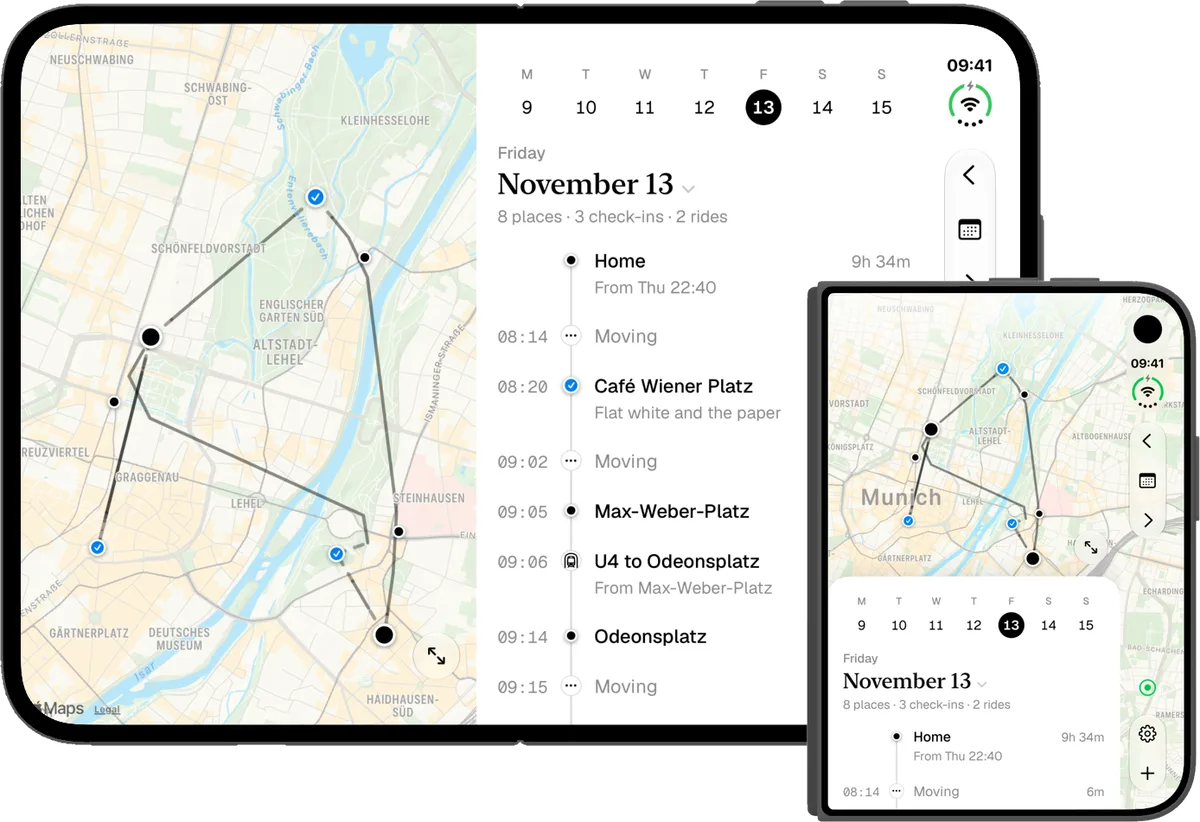
Your days, on a timeline.
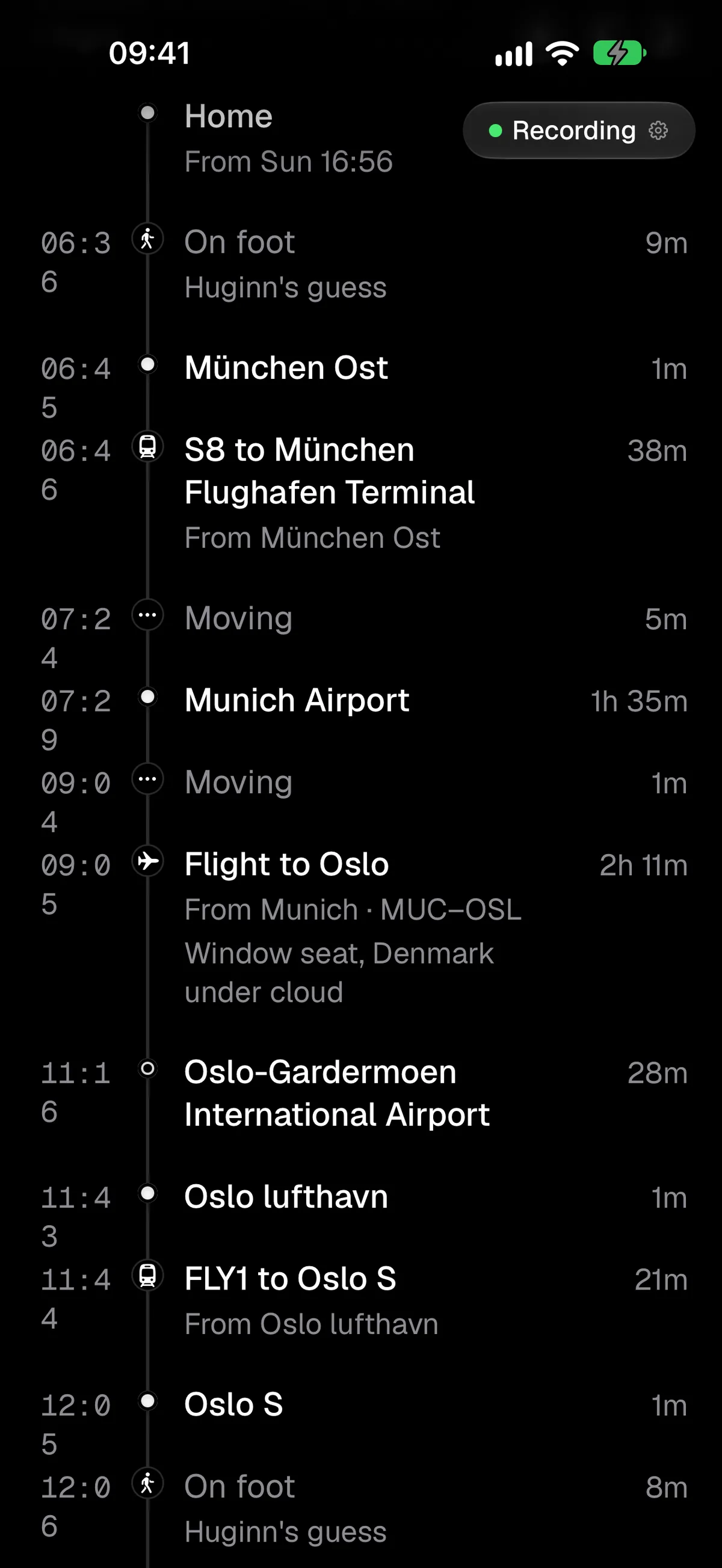
Huginn is a free timeline app for where you’ve been, when, and how you got there.
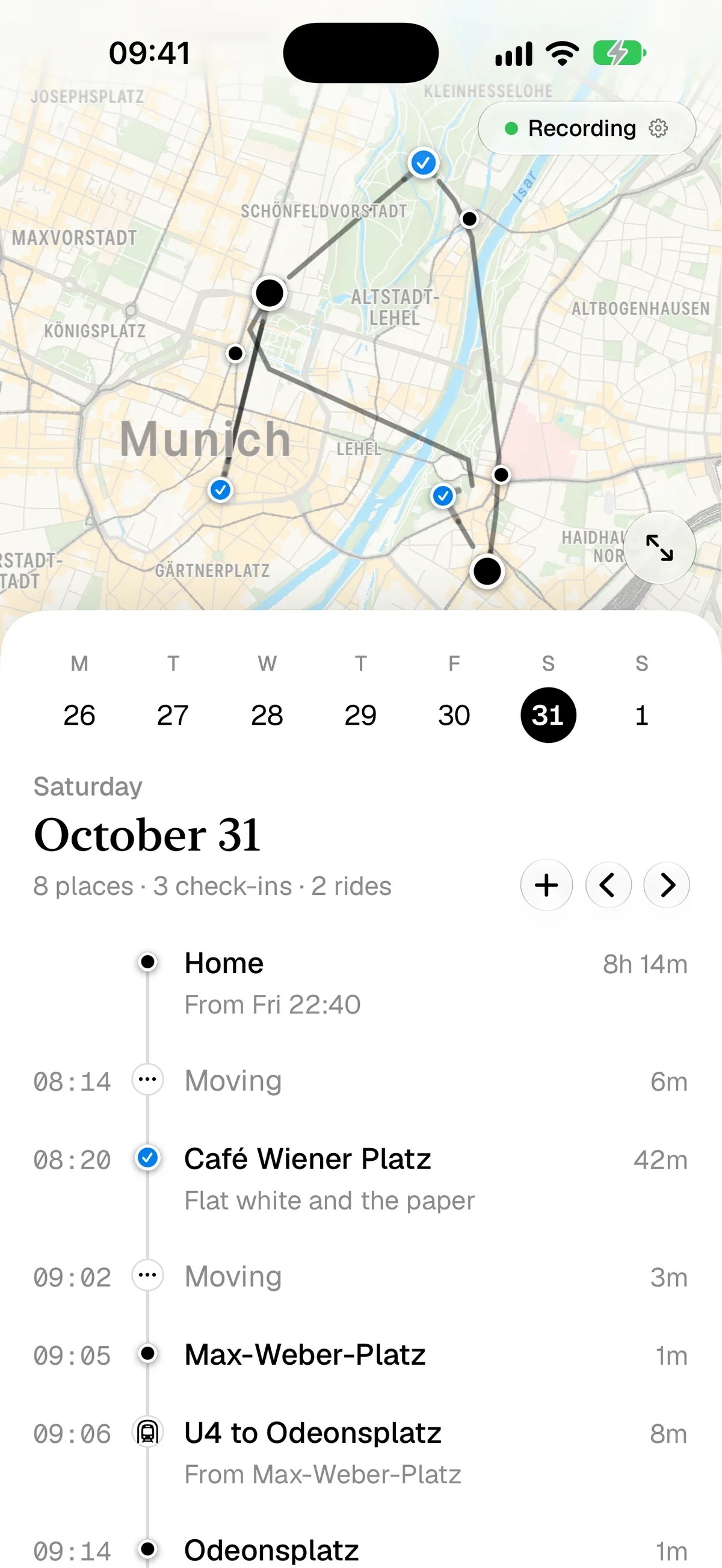
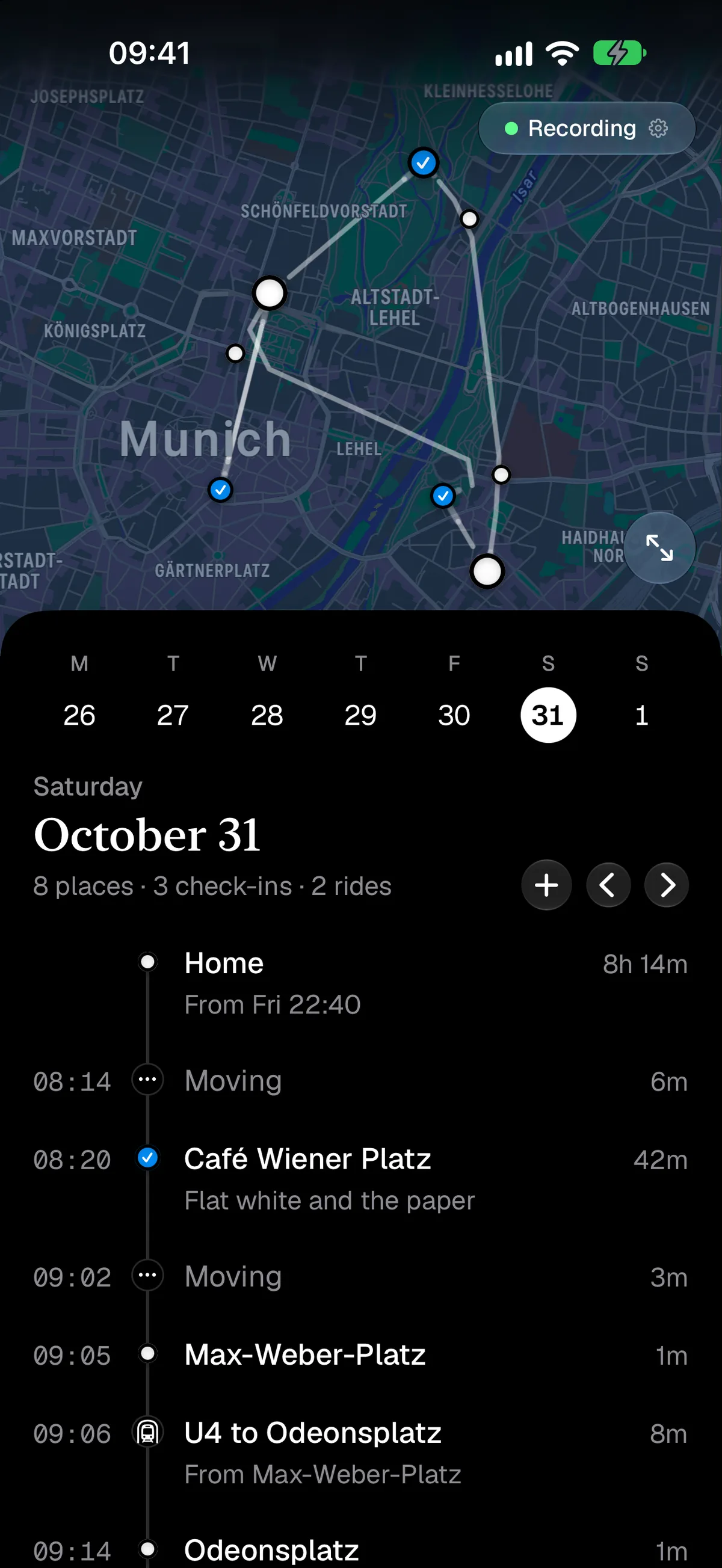
Private, Unobtrusive, Willing to Learn
Huginn sits in your pocket and listens to the things your iPhone already records: places you stopped and how you got there. If you’re on the move, it uses GPS to map the path you took. All that just in the background, using very little battery (since it reuses Apple’s own tracking of your day). On my iPhone 17 Pro it uses less than 4% of battery on a day heavy with walking, taking buses, and stopping at places.
Learning from you
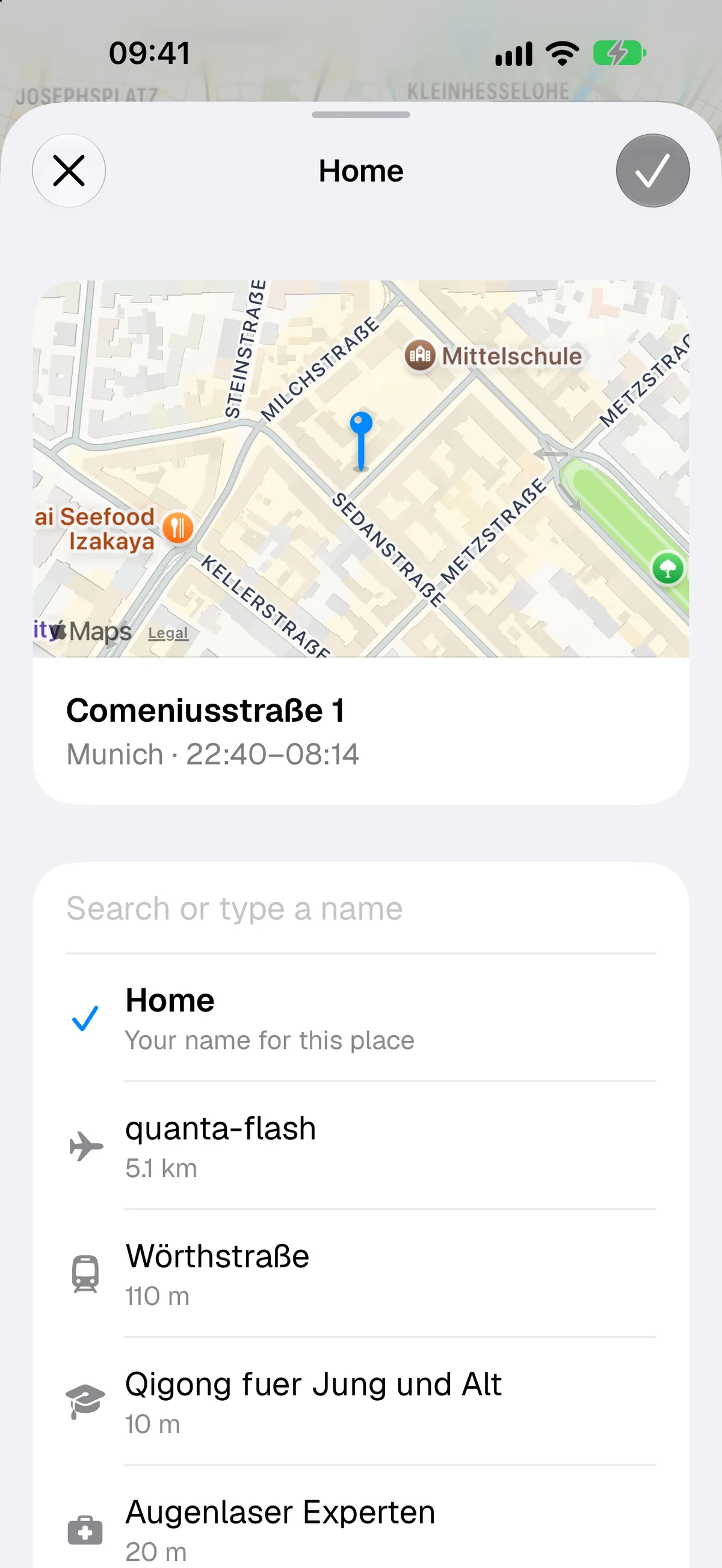
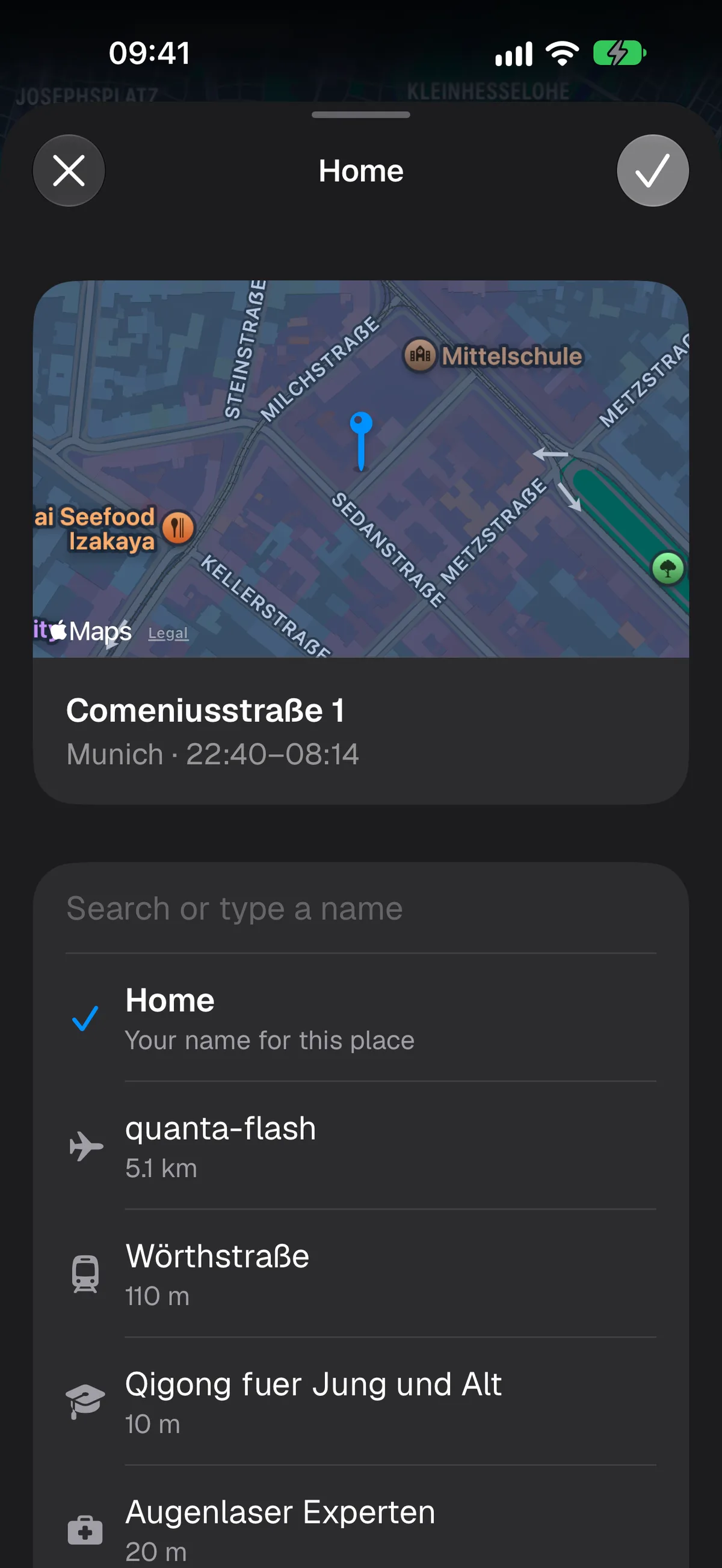
Sometimes Huginn doesn’t get it right. A café less than 15 meters from a restaurant, and you spent the evening in both? Split your stays, correct the names, even move the pin to where you really were. As the days, weeks, and months go on, Huginn gets smarter and more accurate.
How you moved
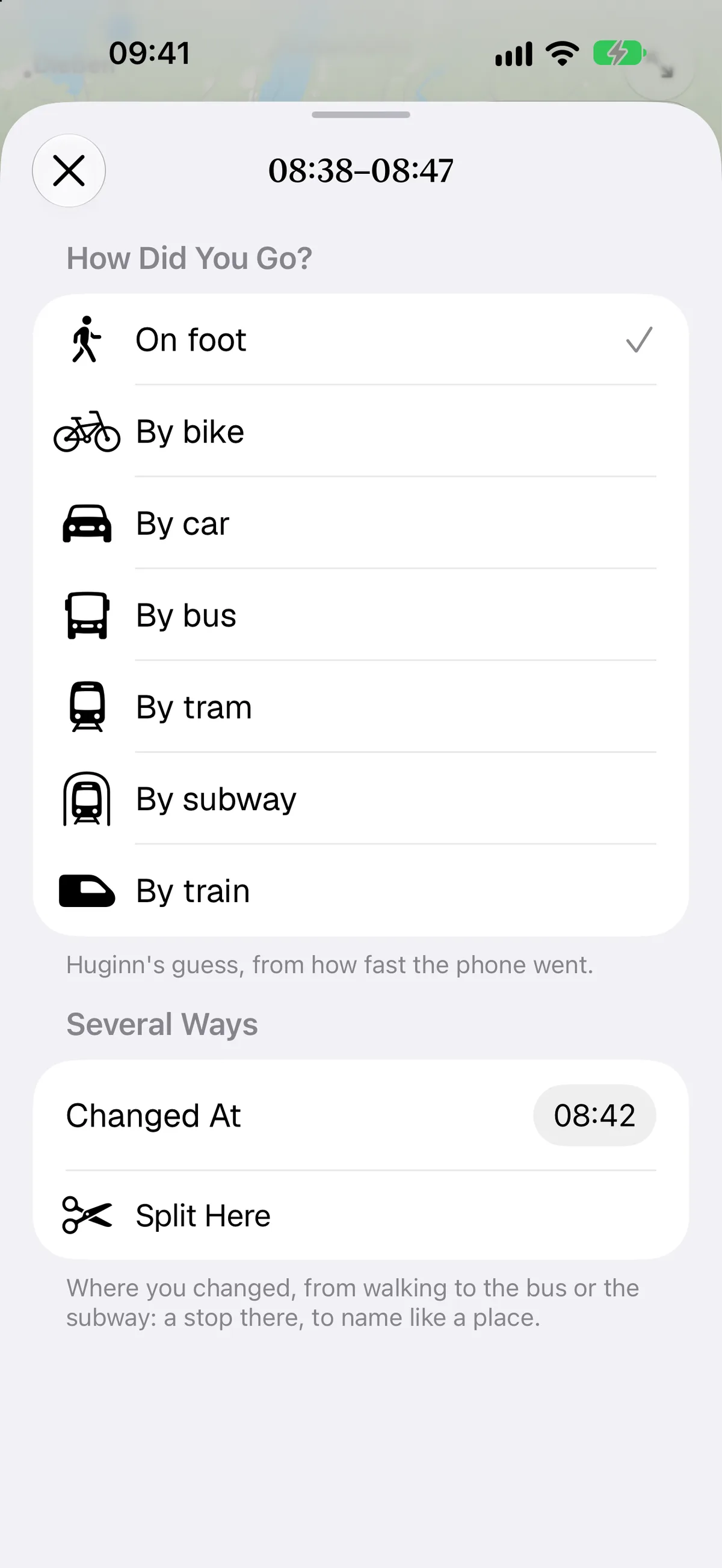
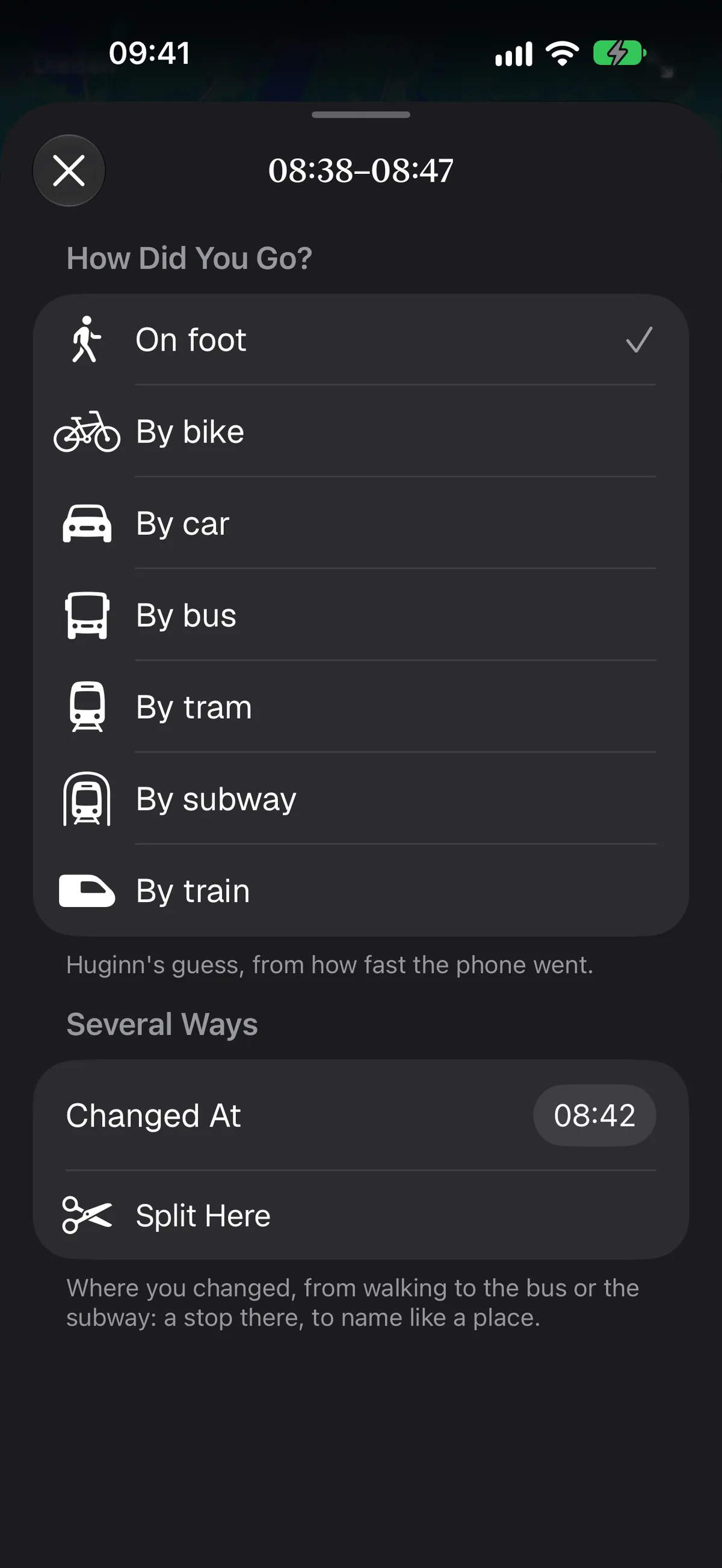
Motion is complicated. Huginn tries to detect how you moved based on speed, how often you stopped (buses stop more often than cars, trains or cars differ in speed variance, planes cross wide distances without GPS, subways smaller distances without a GPS fix, and so on). If Huginn gets it wrong, you can correct it, and it’ll remember and get better at predicting.
Asking around
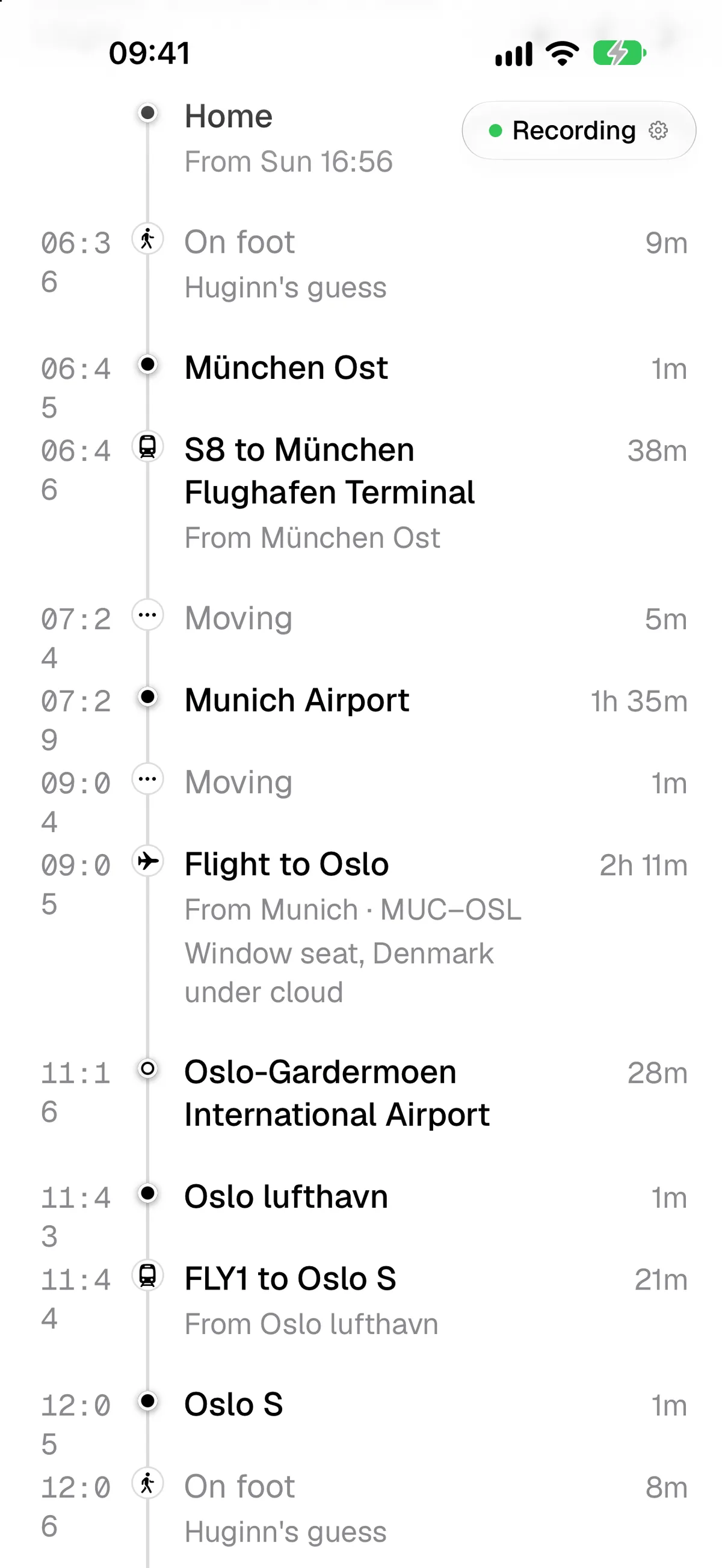
Huginn can import your Träwelling logged train rides and insert them with the data they have. That’s your data, retrieved from Träwelling’s API, so your data stays yours.
Huginn also, anonymously, asks OurAirports if it detects a flight, where and when you flew. Huginn never connects to servers you don’t know about.
Privacy
And that’s important. There’s a full privacy policy you should definitely read (for any apps you use), but in a nutshell, here’s what we do and don’t do:
We ask Apple Maps for the names of places the iPhone tells us you stopped at. We ask OurAirports for flights, anonymously. And we download your Träwelling rides, if you add that to the app. Other than that, Huginn writes into your iCloud, so multiple devices can work together, and so that Muninn can read your trips, if you enable that. But that’s your iCloud, not our servers.
In fact, other than anonymous download data from the App Store, we don’t have any idea, who you are, and how many of you use the app. We don’t track, log, or even know you. Unless you tell us, that is, by sending an email.
Duo? Of course.
Huginn got a full redesign for your iPhone Duo. Use the front screen or the inner screen. Not just a copy of the iPad version or (much worse) a 2x button to give you 2017 iPad flashbacks, when nothing was optimized. No, a UI that loves and takes advantage of the new form factors.